Guides, updates &
deep dives.
Written for developers who build in the cloud — product news, tutorials, and engineering insights from the Cloudpen team.

All Posts
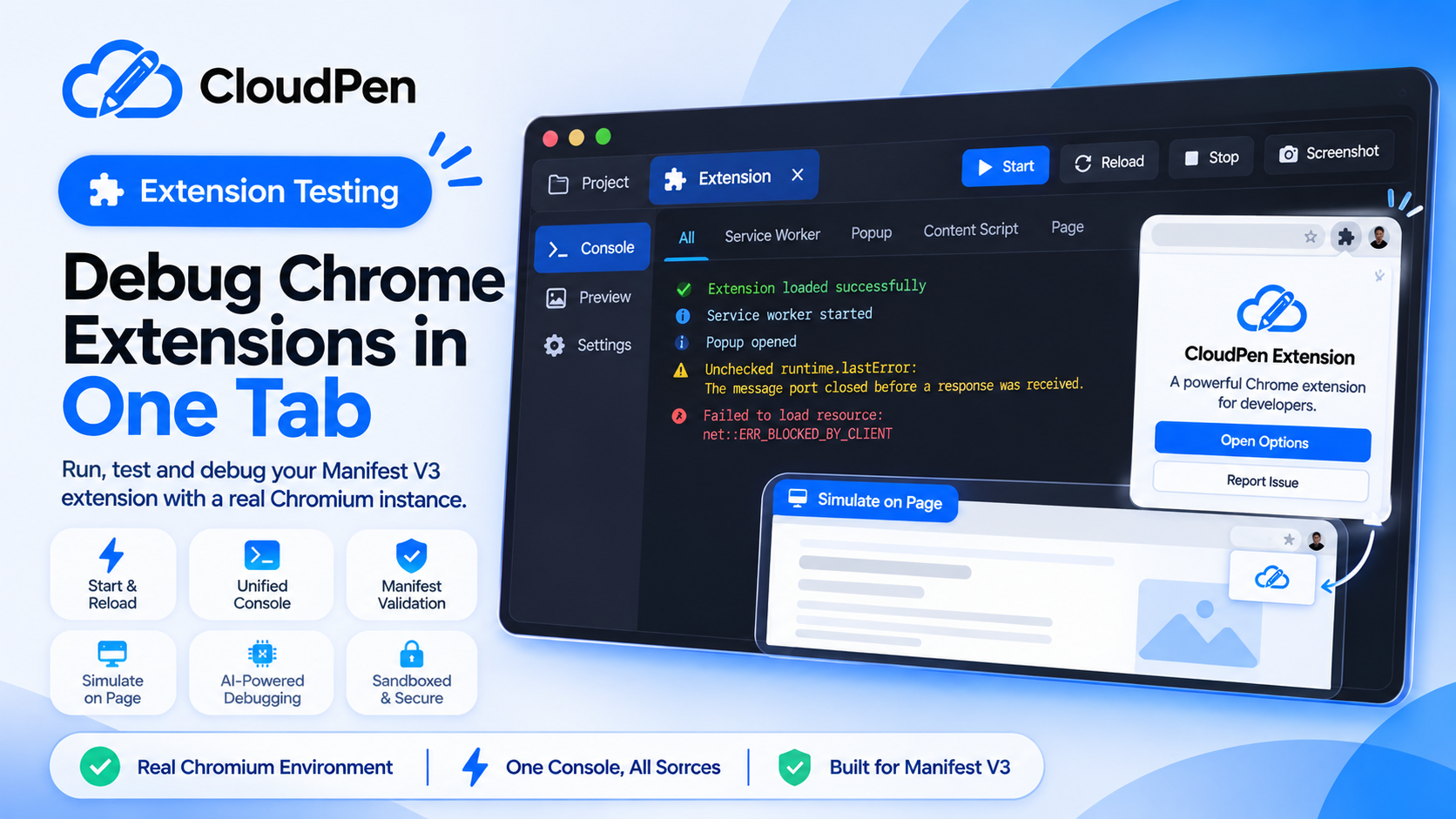
Test Your Chrome Extension From the Editor, No Local Chrome Needed
Cloudpen loads your Manifest V3 extension into a real, sandboxed headless Chromium and gives you one console for every part of it, plus screenshots of your popup and options page. Here is how the Extension tab works.

Cloudpen Team
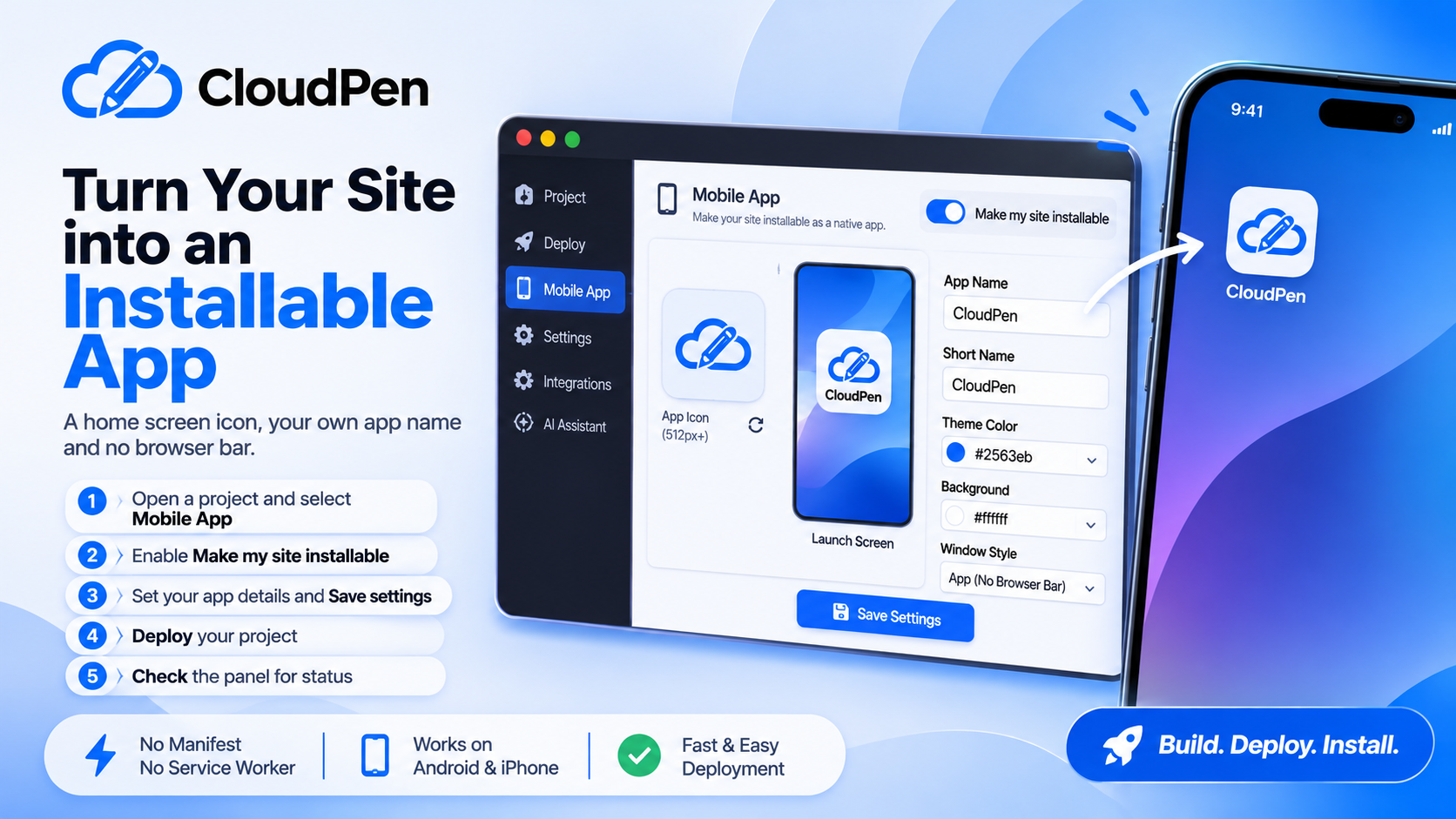
Turn Your Deployed Site Into an Installable App
Give your deployed site its own home screen icon, its own name and no browser bar. Cloudpen’s Mobile App panel adds the manifest, icons and offline support on every deploy. Here is how to set it up and what to know first.
Cloudpen Team
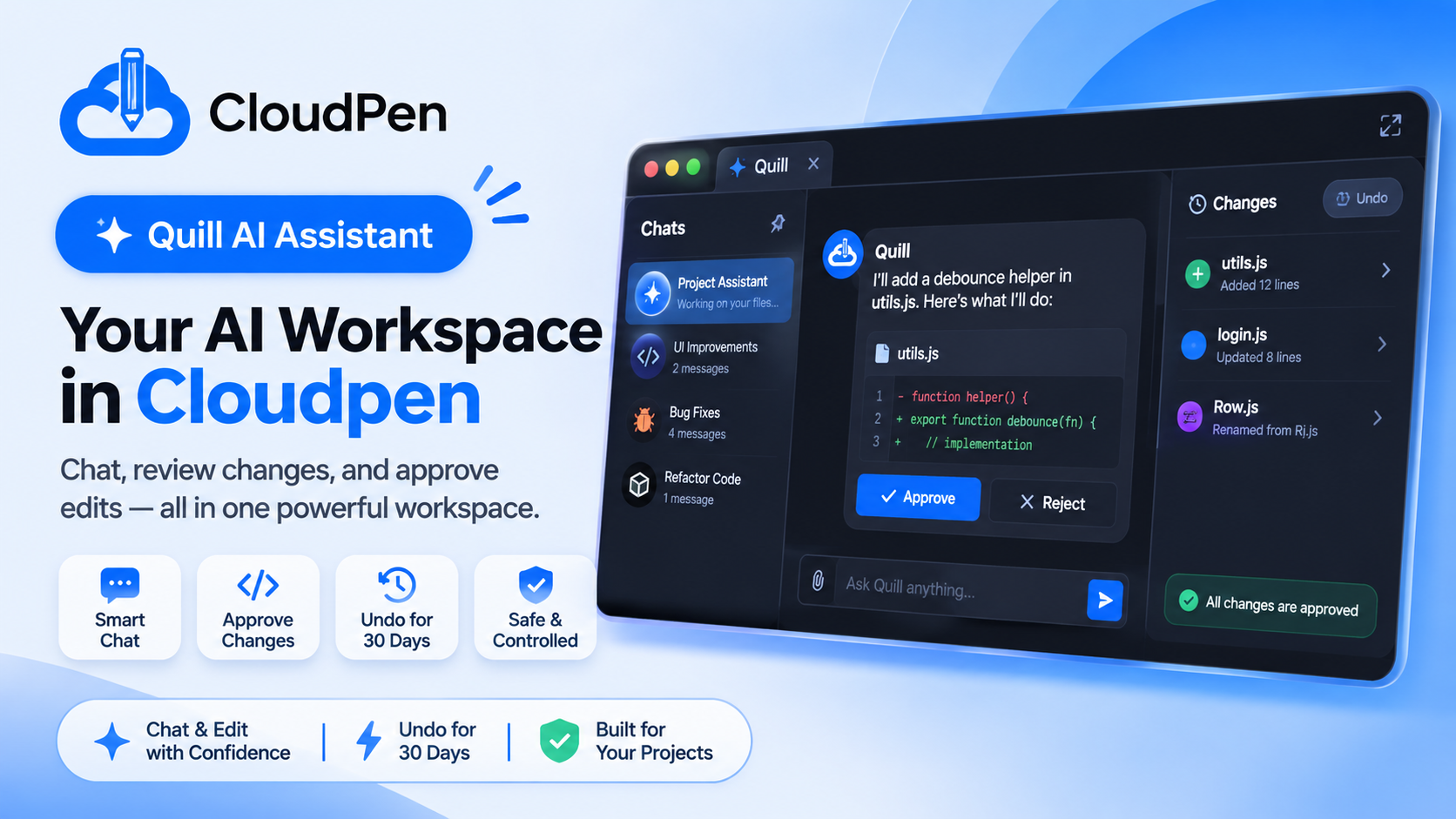
Quill Can Now Edit Your Files, With Your Approval at Every Step
Quill is now a full AI workspace in Cloudpen. Expand it to full screen, keep your chat history, and let it create, edit, rename and delete files. Every change arrives as a diff you approve, and every applied change can be undone for 30 days.
Cloudpen Team
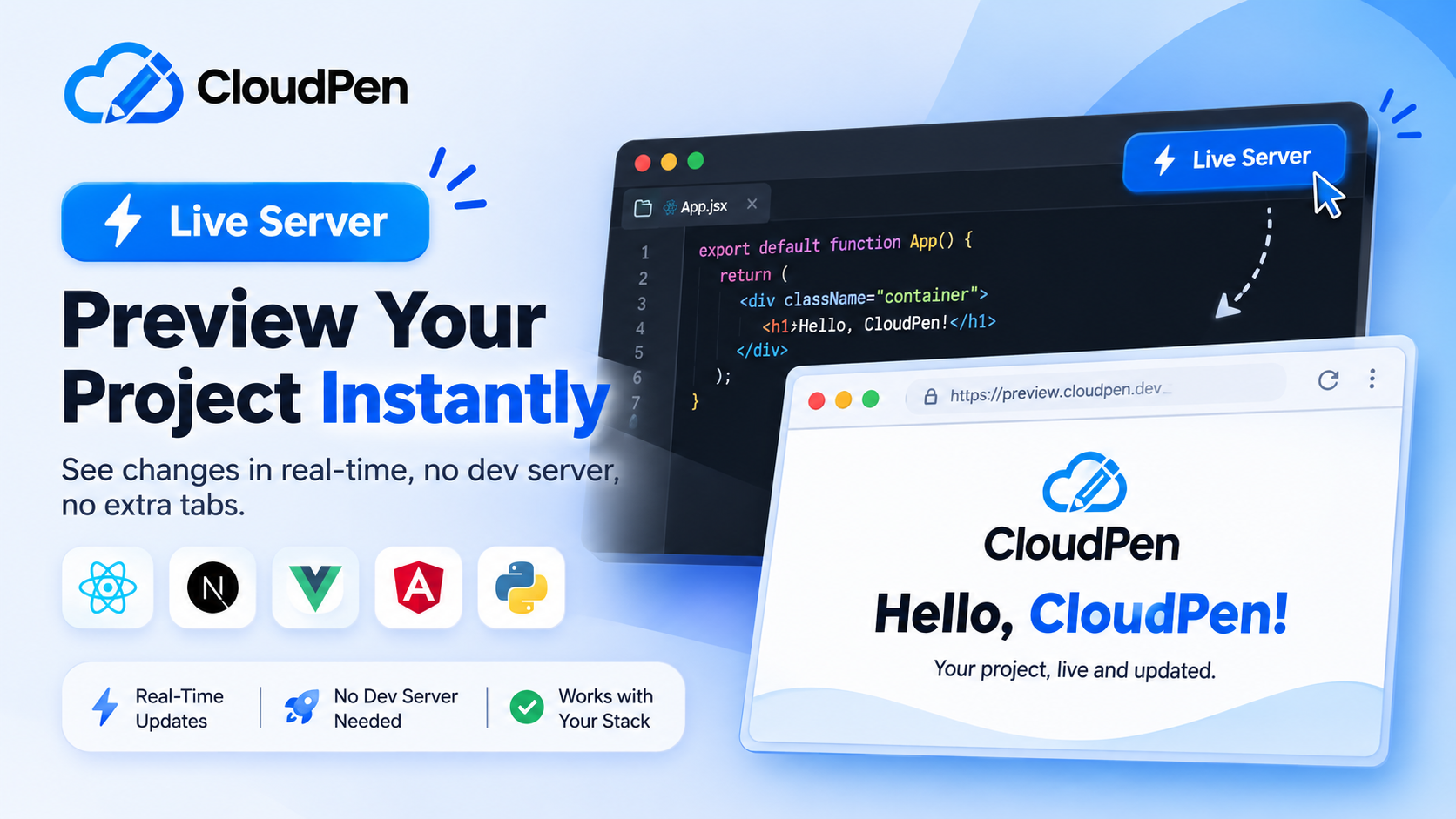
Live Server in Cloudpen: Preview Next.js, Vue, Angular and Python in Your Browser
Live Server is built into the Cloudpen editor. Save a file and see it running beside your code, for React, Vue, Next.js, Angular, Tailwind and even Python. Here is what it supports, how to use it, and where the limits are today.
Cloudpen Team

Cloudpen Speaks MCP: Connect Claude, Cursor and Your
Cloudpen supports the Model Context Protocol in both directions. Quill can read your live Supabase or Postgres schema, and tools like Claude Desktop, Claude Code and Cursor can connect to your projects safely with scoped tokens.
Cloudpen Team

Deploy a Laravel Backend and a MySQL Database From Your Browser
Cloudpen now deploys PHP/Laravel apps as persistent backends in their own containers, with a hosted MySQL database and one-click phpMyAdmin. See how detection, environment setup and logs work, and what is still coming.
Cloudpen Team

Code Anywhere: Turn Your Phone Into a Full Dev
Cloudpen runs the heavy work on the server, so a budget Android phone can write, run and deploy a real project. Here is what the editor gives you in any browser, with nothing to install.
Cloudpen Team
Newsletter
New posts, straight to your inbox.
Product updates, guides, and developer tips — no spam, unsubscribe anytime.