
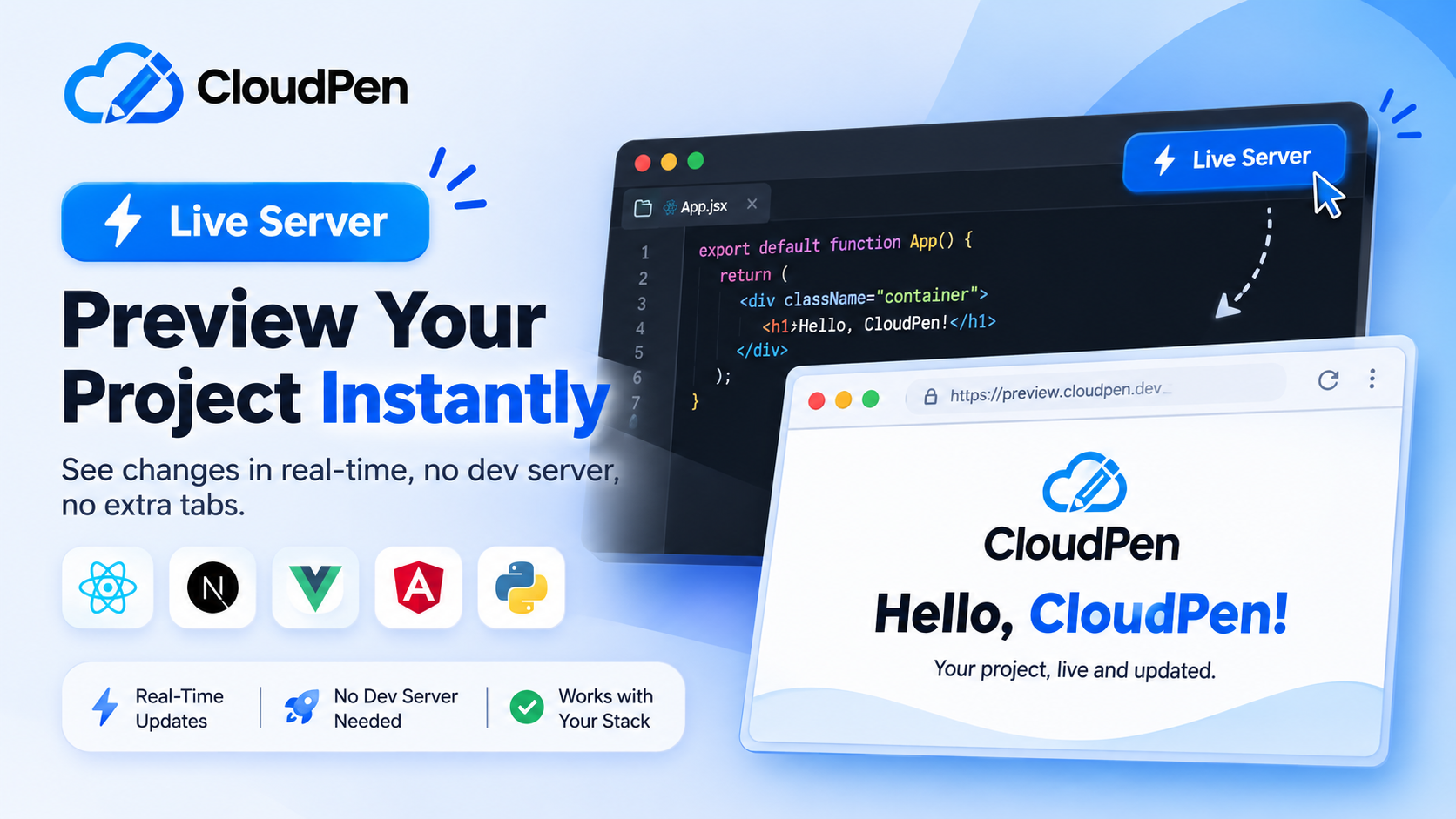
Live Server in Cloudpen: Preview Next.js, Vue, Angular and Python in Your Browser

Cloudpen Team
Previewing a project usually means starting a dev server, hunting for the right port and flipping between tabs. Live Server removes all of that. Save a file in Cloudpen and the result updates right beside your code.
It works like the VS Code extension of the same name, but it goes far beyond plain HTML. Next.js, Angular, Vue, React and Python projects that could not be previewed before now launch straight from the editor.
How to use it
- Open your project. Cloudpen reads the whole project to decide how to run it, not just the file you have open.
- Click Live Server in the status bar. This button used to be called Preview.
- Wait for the first load. A loading screen with status text shows while your project starts.
- Edit and save. Your changes load in the background and swap in once they are ready, so you never look at a blank page.
If the preview ever looks stale, click Force Rebuild Preview in the panel toolbar for a clean start.
Three ways to view your project
- Bottom panel: the default. Code and result stay on one screen.
- Open in editor browser: more room, plus the built-in DevTools and JS REPL.
- Open in new tab: the closest thing to what a visitor will see.
What it supports
Cloudpen detects your project type automatically from its config and entry files.
| Project type | What works | Status |
|---|---|---|
| HTML, CSS and JavaScript | Local CSS and JS files, images, page navigation | Stable |
| React and Vite | Path aliases, CSS modules, TypeScript, npm packages at your package.json versions | Stable |
| TSX and JSX | Compiled for you, no build step needed | Stable |
| Next.js | App and pages router, nested layouts, dynamic routes, next/link, next/image, API routes in plain JavaScript | Stable |
| Vue 3 | script setup, Vue Router, Pinia, scoped styles | Stable |
| Tailwind CSS | v3 reads your tailwind.config, v4 is detected automatically | Stable |
| Bootstrap | Stylesheets, scripts and fonts linked in your index.html | Stable |
| Angular | Standalone components, the router, global styles from angular.json | Experimental |
| Python and Flask | Scripts with printed output and matplotlib figures, simple Flask apps | Beta |
Light on servers, on every plan
Live Server runs on your own device, so it puts no load on Cloudpen's servers. That is why it starts quickly and is available on every plan.
Python needs a one-time download of about 12 MB and Angular about 9 MB. On weaker devices, with Save Data on, or on mobile data, Cloudpen asks before downloading so you never use data by surprise.
Safe by design
- Your project runs in an isolated frame, so project code cannot read your Cloudpen account data.
- Apps that use localStorage and cookies keep working.
- Server-only packages such as bcrypt, express and pg are replaced with stand-ins that explain themselves, instead of breaking your page.
Know the limits
- Next.js: server components that read files or a database, middleware, and server actions cannot run.
- Angular: signal inputs and NgModule-based apps are not supported yet.
- Python: no Django or FastAPI, and no keyboard input.
- Server projects such as PHP, Laravel, Node and Express, Django, Go, Rust and Java do not run in Live Server yet. Use the Run button and the terminal, and deploy PHP/Laravel backends with one click. PHP and Node are next on the roadmap.
Try it
Open a React or Next.js project, click Live Server, change a heading and save. That is the whole workflow.